Introduction
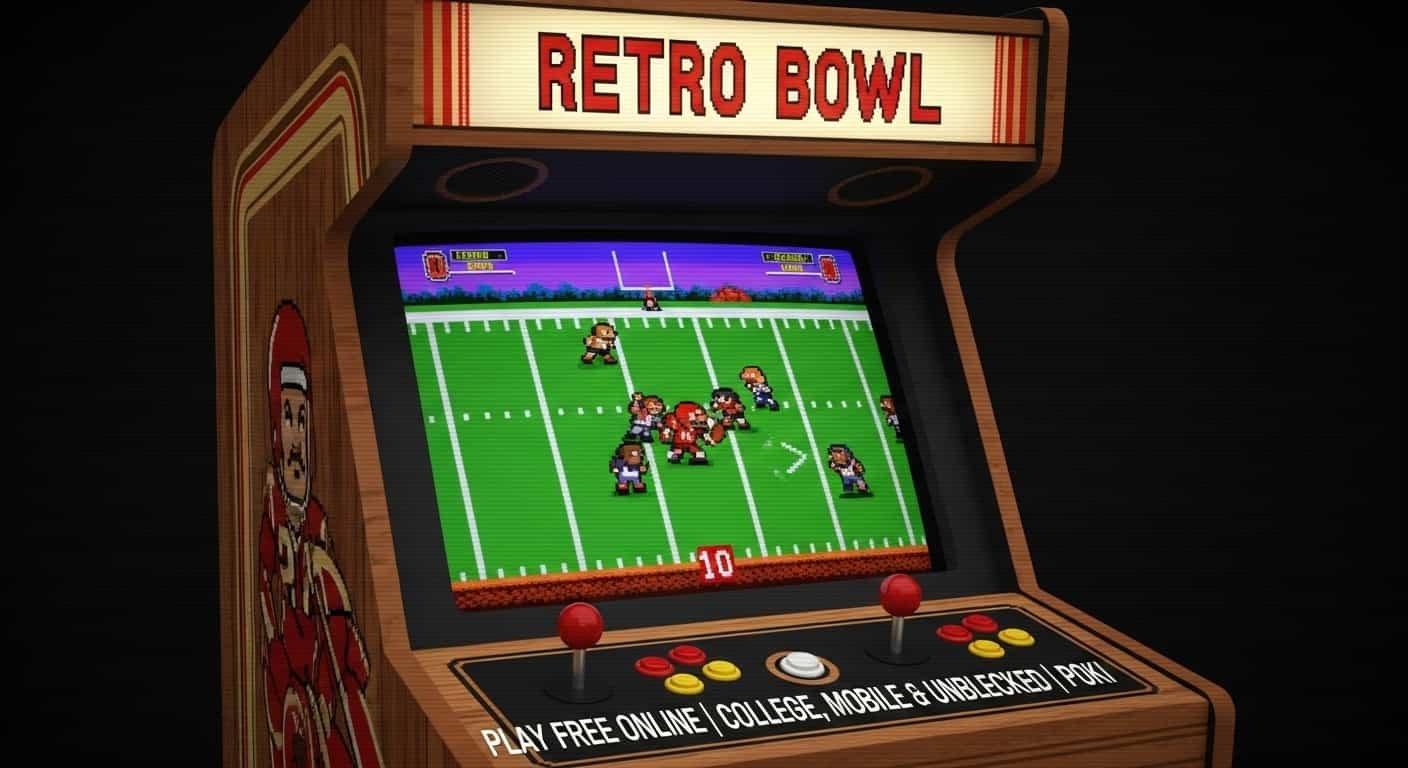
Retro Bowl is one of those games you try for five minutes and suddenly it’s been two hours. It’s free, it runs in your browser, and you don’t need to download anything or create an account. Just open it and play.
The game is simple on the surface — you’re the coach and the quarterback of your own football team. But once you start upgrading your roster, managing your fans, and driving down the field in the final seconds, you realize there’s a lot more to it than it looks.
These days there are a few different versions — Retro Bowl 25, Retro Bowl 26, Retro Bowl College — and you can find it on Poki, Crazy Games, Syces Game Shack, and more. It can get a little confusing knowing where to play and what’s different between each version.
This guide breaks all of it down in plain English. No fluff, just everything you need to know.
What Is Retro Bowl?
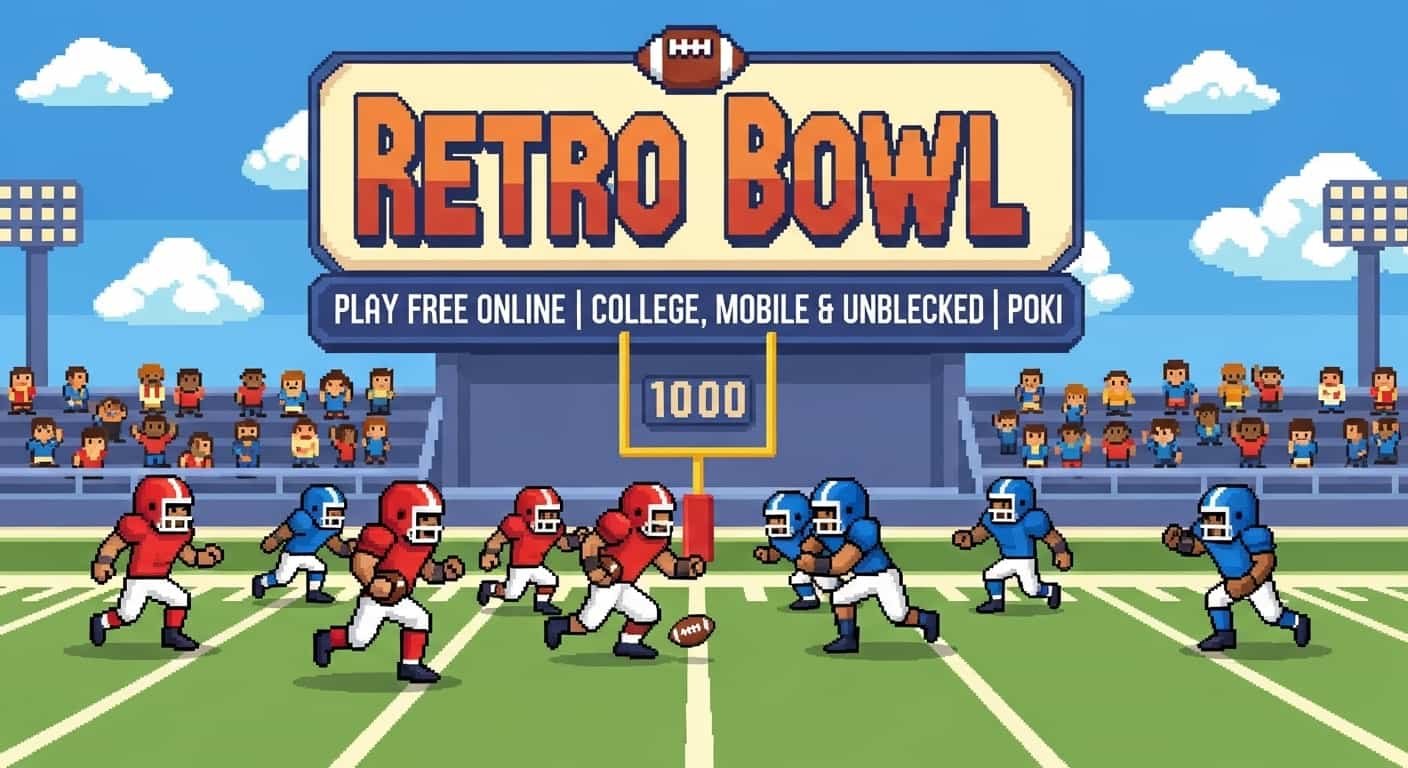
Imagine the excitement of the NFL the touchdowns, the strategy, the crowd roaring — but packed into a super simple, 8-bit style game you can play right in your browser in under 30 seconds. That’s Retro Bowl.
Made by New Star Games, Retro Bowl is a free American football game that launched in 2020 and became one of the most-played browser games in the world. You’re not just a player — you’re the head coach AND the quarterback. You call the shots, manage your roster, handle trades, and then take the field to throw passes and scramble for touchdowns.
Think of it like this: Retro Bowl is what happens when Madden NFL goes on a retro diet. It keeps all the fun strategy but strips away the complexity — so anyone from age 8 to 80 can pick it up and start scoring touchdowns in minutes.
What makes Retro Bowl special? It’s genuinely free. There are no pay-to-win traps. You don’t need a gaming PC or a console. If you have a phone, tablet, or computer with internet, you can play Retro Bowl right now. That’s why it has tens of millions of fans across school networks, offices, and bedrooms worldwide.
Retro Bowl 25 vs 26 vs College — What’s Different?
There are now multiple versions of Retro Bowl, and players often get confused about which one to play. Here’s everything you need to know, explained simply.
- NFL Retro Bowl 25
- Retro Bowl 25, also called NFL Retro Bowl 25, is the official NFL-licensed version of the game, released in late 2024. This is a big deal — it means you’re playing with real NFL teams, real team logos, and authentic branding. It launched on iOS and Android and brought features like updated rosters and smoother controls. Search “nfl retro bowl 25” or “retro bowl 25” to find it on your device’s app store.
- NFL Retro Bowl 26
- Retro Bowl 26 is the 2025–2026 season update, building on everything that made Retro Bowl 25 great. It includes updated rosters reflecting the current NFL season, refined gameplay physics, and expanded management features. If you search “nfl retro bowl 26” you’ll find the latest version on mobile. It’s the most polished Retro Bowl experience available right now.
- Retro Bowl College
- Retro Bowl College takes the same addictive gameplay formula but drops you into the college football world — complete with recruiting, university branding, and the pressure of bowl season. It’s a fan-favourite spin-off and arguably the most strategically deep version of the game, because college recruiting adds a whole new layer to team-building.
Quick answer: If you want the newest NFL rosters, play Retro Bowl 26. If you love strategy and recruiting, play Retro Bowl College. If you just want to jump in and score touchdowns right now in a browser, any version on Poki or Crazy Games works perfectly.
Every Platform to Play Retro Bowl Free Online
One of the best things about Retro Bowl is how many ways you can access it. Whether your school blocks certain websites, you’re on a Chromebook, or you just want to play during lunch on your phone — there’s a version that works for you.
Retro Bowl on Poki
Poki is one of the most trusted free game platforms in the world, with over 50 million monthly players. Retro Bowl Poki is arguably the cleanest browser experience — fast loading, no spam ads, and it works on Chromebooks and school computers. Just search “poki retro bowl” or go directly to poki.com and search for Retro Bowl.
Retro Bowl on Crazy Games
Retro Bowl Crazy Games is another hugely popular option. Crazy Games is beloved in schools because it loads quickly on low-powered devices and rarely gets blocked by school firewalls. The Crazy Games version stays updated and runs directly in your browser with no downloads or accounts needed.
Unblocked Versions
If you’re at school or work and the main game sites are blocked, there are unblocked versions of Retro Bowl hosted on Vercel app game websites, GitHub Pages, and community-hosted platforms. These mirrors keep the full game experience intact. Searching “retro bowl unblocked games” will surface a list of working alternatives.
Syces Game Shack: The Gamer’s Hidden Gem
If you’ve been searching for “retro bowl syces game shack” or “cody’s game shack,” you’re part of a growing community that discovered one of the most fun game portal sites on the web.
Syces Game Shack, also called Gameshack or Game Shack Online, is an independently run gaming portal that hosts a collection of browser games — including Retro Bowl, Burgers and Frights, and dozens of other titles. It’s beloved by students because it operates on its own domain and is often accessible where mainstream platforms are blocked.
What makes Syces Game Shack special? It hosts Retro Bowl alongside other unblocked games in one place. It’s community-driven, meaning games are added based on player requests. It includes Burgers and Frights Syces Game Shack, another fan favourite. It works on school and restricted networks in many regions. No account or login is required to start playing. Download links are also available — search “retro bowl syces game shack download” to find them.
Beyond Retro Bowl, Game Shack Games offers titles spanning platformers, sports games, puzzles, and horror. The Burgers and Frights Syces Game Shack game in particular has developed a cult following for its quirky horror-comedy gameplay. If you enjoy Retro Bowl’s simplicity, you’ll likely find several other games on Game Shack that scratch the same itch.
Safety note for parents and students: Syces Game Shack and similar Vercel app game websites are generally safe community portals, but like all independent websites, it’s good practice to use an updated browser with ad-blocking enabled. The games themselves are unmodified versions of legitimate free-to-play titles.
Retro Bowl Mobile and App — Full Guide
The Retro Bowl app and Retro Bowl mobile experience is genuinely one of the best mobile gaming options available — and it’s completely free.
On iPhone or iPad, search “NFL Retro Bowl 26” or “Retro Bowl” in the App Store. The base game is free, and the NFL 25 and 26 licensed versions may have optional premium unlocks. On Android, find Retro Bowl on the Google Play Store. It’s fully free, rated 4.5 stars and above, with over 10 million downloads, and it works on any Android 5.0 or newer device. On a Chromebook, either install the Android app via Google Play or play directly in Chrome via Poki or Crazy Games — both work great.
Why the Mobile App Beats the Browser
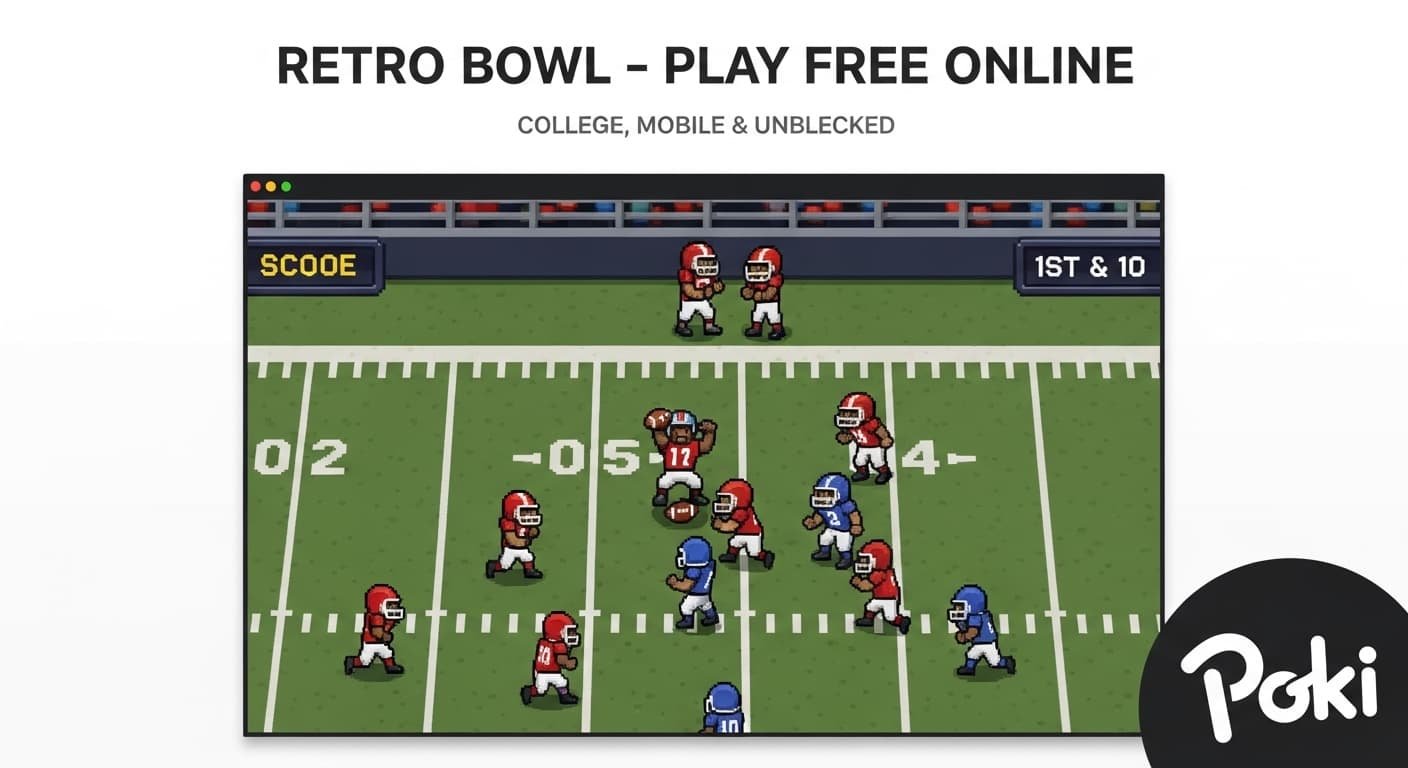
The Retro Bowl mobile app saves your progress automatically, works offline, and has touch controls optimised specifically for smaller screens. If you’re serious about building a dynasty season after season, the app is the better long-term option. The browser versions are perfect for quick sessions and school-time gaming, but for deep career mode play, download the app.
How to download the Retro Bowl app: Open the App Store or Play Store, search “Retro Bowl” or “NFL Retro Bowl 26,” tap Install — it’s free and under 100MB — and open the game. No account is needed to start playing, though signing in lets you save progress across devices.
How to Win at Retro Bowl — Pro Tips and Tricks
Whether you’re a first-time player or you’ve been grinding since Retro Bowl 2, these tips will level up your game immediately.
How to Truck in Retro Bowl
Trucking — running through defenders instead of around them — is one of Retro Bowl’s most satisfying moves. To truck a defender, swipe your thumb or mouse sharply toward the defender’s tackle animation when they’re approaching. Timing matters: swipe too early and you’ll miss, too late and you’ll get tackled. A high-rated running back with good trucking stats makes this significantly easier.
Six tips to win more games:
First, upgrade your QB’s arm first. More passing yards means more points, which means faster coin income. Don’t spread upgrades thin early on.
Second, manage fan happiness. Losing games tanks your fanbase. Even a mediocre win is better than a blowout loss. Spend coins on facilities to manage expectations.
Third, draft wide receivers over tight ends in early rounds. Wide receivers give you more flexibility in play-calling and generally score more touchdowns per season.
Fourth, use the short pass game. Many beginners throw deep every play. Short passes behind the line of scrimmage convert more reliably and keep the chains moving.
Fifth, in Retro Bowl College, recruit smart. Five-star recruits aren’t always worth pursuing if your program reputation is low. Target three and four-star players at key positions first.
Sixth, practice the spin move. A well-timed spin creates space and breaks angles. In open field situations, spin before swiping for a big gain.
FAQs
Is Retro Bowl really free to play?
Yes, completely free. The browser versions on Poki, Crazy Games, and Syces Game Shack are 100% free with no account needed. The mobile app is free to download with optional in-app purchases for cosmetics and unlimited features, but the core game never requires spending money.
What’s the difference between Retro Bowl and Retro Bowl College?
Retro Bowl uses NFL teams and focuses on professional football. Retro Bowl College replaces NFL teams with college programs and adds a recruiting mechanic where you must sign high school players to build your roster. College is more strategy-heavy; the original is more arcade-fun. Both are excellent.
Can I play Retro Bowl on a school Chromebook?
Yes. Retro Bowl runs in any Chrome browser. Try Poki or Crazy Games first — these work on most school networks. If those are blocked, search for “retro bowl unblocked” or “retro bowl vercel app” to find working mirrors hosted on less commonly blocked domains.
What is Syces Game Shack and is it safe?
Syces Game Shack, also called Game Shack Online or Gameshack, is an independent gaming portal that hosts free browser games including Retro Bowl and Burgers and Frights. It’s generally considered safe by the gaming community, though like all independent sites, use an ad blocker for the cleanest experience. It’s especially popular with students because it often bypasses school content filters.
How do I truck in Retro Bowl?
Wait until a tackler approaches and swipe forcefully toward them when they’re in range — about half a second before contact. On mobile it’s a quick, sharp gesture. On desktop, click and drag toward the defender. Having a running back with high trucking or strength attributes makes this much easier.
Is there a Retro Bowl 2 or sequel planned?
The NFL-licensed versions — Retro Bowl 25 and Retro Bowl 26 — are effectively major sequels with annual updates. There’s no standalone Retro Bowl 2 confirmed as of early 2026, but New Star Games continues to update and expand both the original and College versions regularly.
Does Retro Bowl work offline?
The mobile app works offline after the initial download. Browser versions require an internet connection since they load game files from the server each session.
What is Football Bros and how does it relate to Retro Bowl?
Football Bros is a separate browser football game — a two-player brawler-style game — that often appears alongside Retro Bowl on gaming portals like Poki and Crazy Games. They’re different games with different mechanics. Retro Bowl is a management and quarterback simulator while Football Bros is an action brawler, but fans of one often enjoy the other.
The Bottom Line on Retro Bowl in 2026
Retro Bowl has done something rare in gaming: it created a genuinely fun, genuinely free experience that works for everyone — kids in school, adults sneaking in a game at lunch, and hardcore football fans who want depth without the high price tag of a console game.
Whether you’re hunting down Retro Bowl 26’s latest NFL rosters, exploring the recruiting depth of Retro Bowl College, or just looking for a reliable unblocked version via Syces Game Shack, Poki, or Crazy Games — the game delivers every single time.
If you want to play right now, go to Poki or Crazy Games — Retro Bowl loads in your browser in under 10 seconds, no login, no download needed. If you want a long-term experience, download the NFL Retro Bowl 26 app and start building your dynasty. And if strategy is your thing, Retro Bowl College’s recruiting system will keep you hooked for hours.