You’ve got ten minutes of free time and a school Chromebook. Every site you know is blocked. Sound familiar? That’s the exact frustration Syces Game Shack was built to solve — and it does it better than almost anything else out there.
Syces Game Shack is a free, student-built browser gaming platform that has quietly grown into one of the most feature-rich unblocked game sites online. It’s not just a list of embedded games thrown on a webpage. It’s a thoughtfully designed platform with real features, a real community, and a real commitment to staying available.
This article covers exactly what Syces Game Shack is, what makes it different from every other “unblocked games” site, and how to get the most out of it — including features most users never discover.
ANSWER BOX: Syces Game Shack is a free browser-based gaming platform with 160+ unblocked HTML5 games, zero ads, a built-in soundboard, AI game recommendations, and multiple alt links to stay accessible on school networks. No downloads, logins, or plugins required — works on any device.
What Is Syces Game Shack?
Syces Game Shack — also commonly searched as Syce Game Shack or Syce’s Game Shack — is not your average unblocked games page.
The creator, known as Syce, treated it like a real product from the start. Each version brought new features, a better design, and direct responses to what the community was asking for. That philosophy shows in every corner of the platform.
The current version (v7.1.1) introduced automatic content updates — meaning new games and sounds now appear on the site without needing a full rebuild. For most hobby projects, that level of engineering would be impressive. For a student-built site, it’s remarkable.
[SUMMARY: Syces Game Shack is a free, student-created browser gaming platform built with a product mindset. It runs entirely in your browser, requires no account or downloads, and receives regular feature updates based on community feedback.]
How Many Games Does Syces Game Shack Have?
Right now, the library is substantial and well-organized.
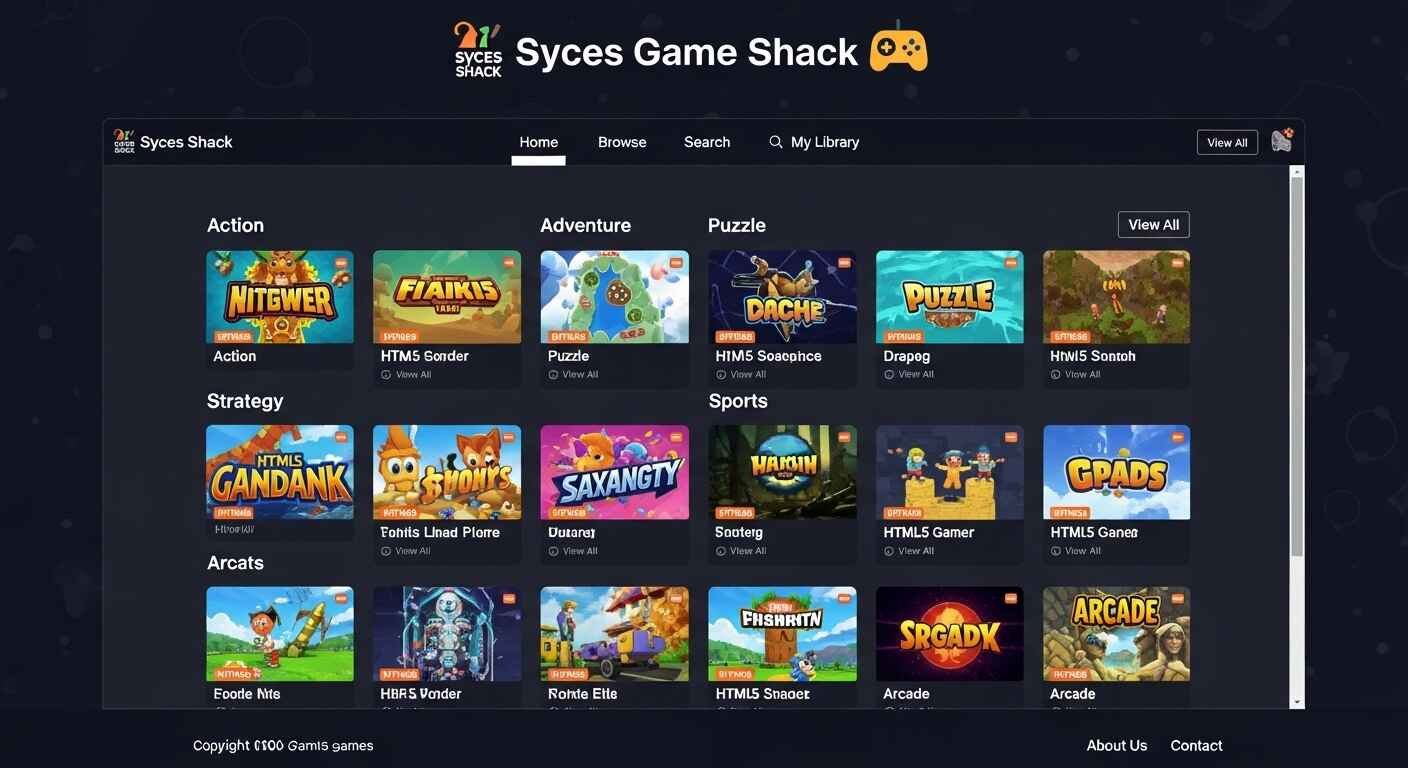
There are over 160 high-quality HTML5 games organized across 11 genres. Every game runs entirely in your browser. No downloads. No Flash. No Java. No plugins. Works on Windows, Mac, Chromebook, iPhone, and Android.
The 11 genres covered are: action, puzzle, multiplayer, sports, arcade, strategy, platformer, rhythm, racing, idle, and adventure.
That’s a meaningful selection. You’re not scrolling through 500 broken links to find three games that actually load — every title in the library is vetted and maintained.
[SUMMARY: Syces Game Shack hosts 160+ curated HTML5 browser games across 11 genres. All games load instantly without plugins, downloads, or accounts, and work on any modern device, including school Chromebooks.]
Why Syces Game Shack Has Zero Ads (And Why That Matters)
This is the detail that surprises most new users — and keeps them coming back.
Coolmath Games has ads. Unblocked 66 has pop-ups. Most free browser game sites are monetized through advertising that slows load times and creates distracting interruptions. Syces Game Shack has absolutely zero ads — no banners, no pop-ups, no video pre-rolls, nothing.
On a fast home connection, that difference is nice. On a slow school Chromebook, it’s transformative. Pages load faster. Games start without delay. Nothing jumps in front of the screen when you’re mid-game.
The fact that this is a free platform with no ads and no monetization layer is unusual. Most sites in this space are covered in advertising. Syce made a deliberate choice to keep it clean — and the user experience reflects that.
What Are Syces Game Shack Alt Links — and Why Do They Exist?
Here’s the feature that separates serious platforms from hobby pages: the alt link system.
Alt links are backup URLs — alternative addresses that all point to the same site. Syce maintains these and keeps them up to date, so there’s always at least one that works, even when the main link is blocked by a school or workplace network filter. The Alt Links section is accessible directly from the main navigation menu.
Most unblocked game sites either go dark when their domain gets blocked or force users to hunt for mirrors on their own. This isn’t a workaround someone found by accident. It’s an intentional, built-in feature of the platform. Syces Game Shack is one of the very few unblocked gaming sites that treats alt links as a first-class feature rather than an afterthought.
The result? Syces Game Shack has maintained near-continuous availability across school networks since its launch, while competitors that rely on a single domain regularly go dark for weeks or permanently.
If the main URL ever gets blocked, the process is simple: Search “Syce Game Shack alt links” in Google, find the Alt Links section in the site’s navigation menu, and try any of the alternative URLs listed there. Schools rarely block all of them at once.
[SUMMARY: Alt links are built-in backup URLs that keep Syces Game Shack accessible even when school networks block the main domain. This system is maintained by the creator and is accessible directly from the site’s navigation — no external searching required.]
The Built-In Soundboard Most People Miss
Here’s a feature that genuinely surprises people when they find it.
The soundboard is one of the most unique features on any unblocked game site — and Syces Game Shack has one built right in. It lives in its own dedicated page accessible from the sidebar. The collection has grown to over 200 sounds, ranging from sound effects to funny clips.
No setup required. Open the Soundboard page, find a sound, and click play. The whole thing works instantly in any browser.
It started as a casual addition — Syce made it “just for fun” — and became one of the platform’s most-used features. That kind of organic feature growth is a sign of a healthy, community-connected project.
Does Syces Game Shack Have an AI Recommender?
Yes — and it’s more useful than it sounds.
On the Games page, there’s a Recommendation panel that uses an AI system to suggest games it thinks you’ll enjoy. It generates four picks every time the page loads and refreshes each visit completely.
For users who tend to stick to the same two or three games they already know, this is the best way to discover something new. Try the AI picks at least once a week — it surfaces games you’d never find by scrolling manually.
It’s a small feature in terms of screen real estate, but it solves a real problem: most people don’t explore a game library; they just replay what they know. The recommender nudges them past that habit.
Secret Hotkeys That Most Players Never Find
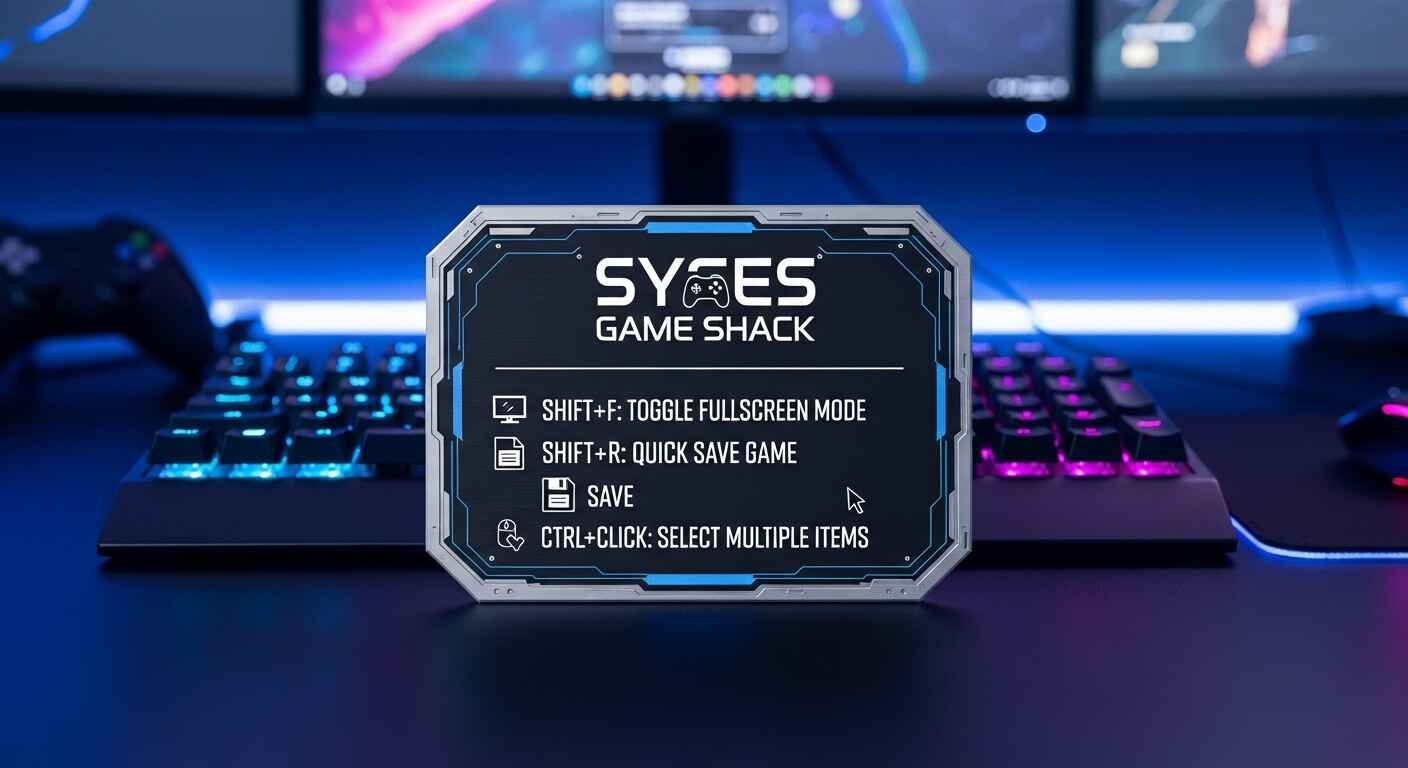
These keyboard shortcuts work from any page on the site. Most players use Syces Game Shack for weeks without ever finding these.
Here’s the full list:
- Shift + F — Toggle FPS count. Useful when a game feels laggy — check if your frame rate drops below 30, then close other tabs.
- Shift + R — Load a random game. Perfect when you’re bored with your usual library.
- Ctrl + Click — Instantly load a game, skipping the splash screen. Saves 5–10 seconds every session.
- Escape — Clear any menu or pop-up instantly.
Ctrl+Click is the real power move. Once you know your favourite games, this skips the info screen entirely and loads instantly. Syces Game Shack Sounds minor — but over hundreds of sessions, that’s a real quality-of-life improvement.
Syces Game Shack 2 — What’s the Difference?
People searching for “Syces Game Shack 2” are usually looking for an updated or alternative version of the site. The platform uses version numbers to track its own development — the current release is v7.1.1 — so earlier links and mirror sites circulating online may still reference older versions.
The simplest approach: use the official site at sycegameshack.com, which always reflects the latest build. Alt links on the site also point to the most current version, not older mirrors.
Is Syces Game Shack Safe to Use?
This is a fair question for any site accessed on school or shared devices.
Syce’s Game Shack is hosted on Vercel and Netlify — professional cloud platforms used by developers and companies worldwide for real, legitimate projects. These aren’t sketchy free hosting services. They’re enterprise-grade platforms with robust security practices.
More importantly, the entire site is open source on GitHub. This means anyone — including IT professionals, parents, or security researchers — can inspect every line of code. Nothing is hidden.
Syce’s Game Shack requires no sign-up, no email address, and no personal information of any kind. There’s nothing to steal because there’s nothing to collect.
That combination — open source code, enterprise hosting, zero data collection — makes this one of the more transparent platforms in this space.
[SUMMARY: Syces Game Shack is safe to use. It’s open source, hosted on professional platforms (Vercel and Netlify), collects no personal data, and requires no account or sign-up.]
How Syces Game Shack Compares to Other Unblocked Game Sites
Most unblocked game sites share the same basic formula: embed games, run ads, and hope the domain doesn’t get blocked.
Syce’s Game Shack has fewer total games than some competitors. But it wins on experience, features, reliability, and trust — especially for school use, where alt links and community support matter most.
The key differences that matter in practice:
- No ads — competitors run banners and pop-ups that slow down low-spec Chromebooks
- Built-in alt links — most sites go dark when one URL gets blocked
- Active maintenance — new games and sounds added automatically via v7.1.1’s update system
- Open source — the code is publicly auditable; most competitor sites are opaque
- Discord community — working links are shared there first, usually within minutes Syce Game Shack of a new link being blocked
How to Get Started on Syces Game Shack
Getting started takes under a minute:
- Go to sycegameshack.com in Chrome, Firefox, or Edge
- The homepage loads instantly — no sign-up screen, no paywall
- Select “Games” from the left sidebar
- Browse by genre or let the AI recommender pick for you
- Click any game to see its splash screen, then click again (or Ctrl+Click) to load instantly
Bookmark two or three alt links right now — before the main link ever gets blocked. In the future, you will be very grateful.
FAQ
Q: What is Syces Game Shack, and who made it?
A: Syces Game Shack is a free browser-based gaming platform built by a student known as Syce. It hosts over 180 HTML5 games across 11 genres, with no ads, no downloads, and no account required. The platform is open source, actively maintained, and available across multiple URLs to stay accessible on restricted networks.
Q: Why does Syces Game Shack keep getting blocked at school?
A: School network filters block domains based on category tags or manual reporting. When one URL gets flagged, the site’s built-in alt links system provides backup URLs hosted on different platforms. Since filters block by domain, a link on Vercel and a link on Netlify typically have different block statuses — so at least one usually works.
Q: Is Syces Game Shack safe for students to use?
A: Yes. The site is open source on GitHub, hosted on enterprise platforms (Vercel and Netlify), collects zero personal data, and requires no account. Anyone can inspect the full codebase publicly. It contains no malware, no hidden trackers, and no advertising.
Q: What is Syces Game Shack 2?
A: “Syces Game Shack 2” typically refers to updated or alternate versions of the site. The platform versions themselves are numerically — currently at v7.1.1. Old mirrors and shared links may reference earlier versions. The official site at sycegameshack.com always reflects the latest version.
Q: Does Syces Game Shack work on mobile phones?
A: Yes. All games are HTML5 and run in any modern mobile browser without plugins or downloads. The site works on iPhone, Android, and any device with a current browser. Mobile data also bypasses school WiFi filters entirely, making your phone a reliable backup access method.
Q: What genres of games are on Syces Game Shack?
A: The platform covers 11 genres: action, puzzle, multiplayer, sports, arcade, strategy, platformer, rhythm, racing, idle, and adventure. All 180+ games are curated and maintained — broken links are reported through the Discord and typically fixed within hours.
Q: How do I find the alt links if the main site is blocked?
A: The Alt Links section is part of the main navigation menu on the site itself. If you can’t reach the site at all, search “Syce Game Shack alt links” in Google or join the official Discord server, where working links are shared as soon as new ones are available.
Conclusion
Syces Game Shack earns its reputation not by having the biggest library, but by being genuinely well-built. Zero ads, a maintained alt link system, open source transparency, an AI recommender, a soundboard with 200+ sounds, and secret hotkeys that reward users who explore — these aren’t random additions. They reflect a creator who actually uses the platform and builds what the community needs.
If you’ve been bouncing between unreliable unblocked sites, this one is worth bookmarking properly. Save three alt links now, join the Discord, and try the Shift+R hotkey the next time nothing looks interesting. You’ll find something.