 By Rizwan Aslam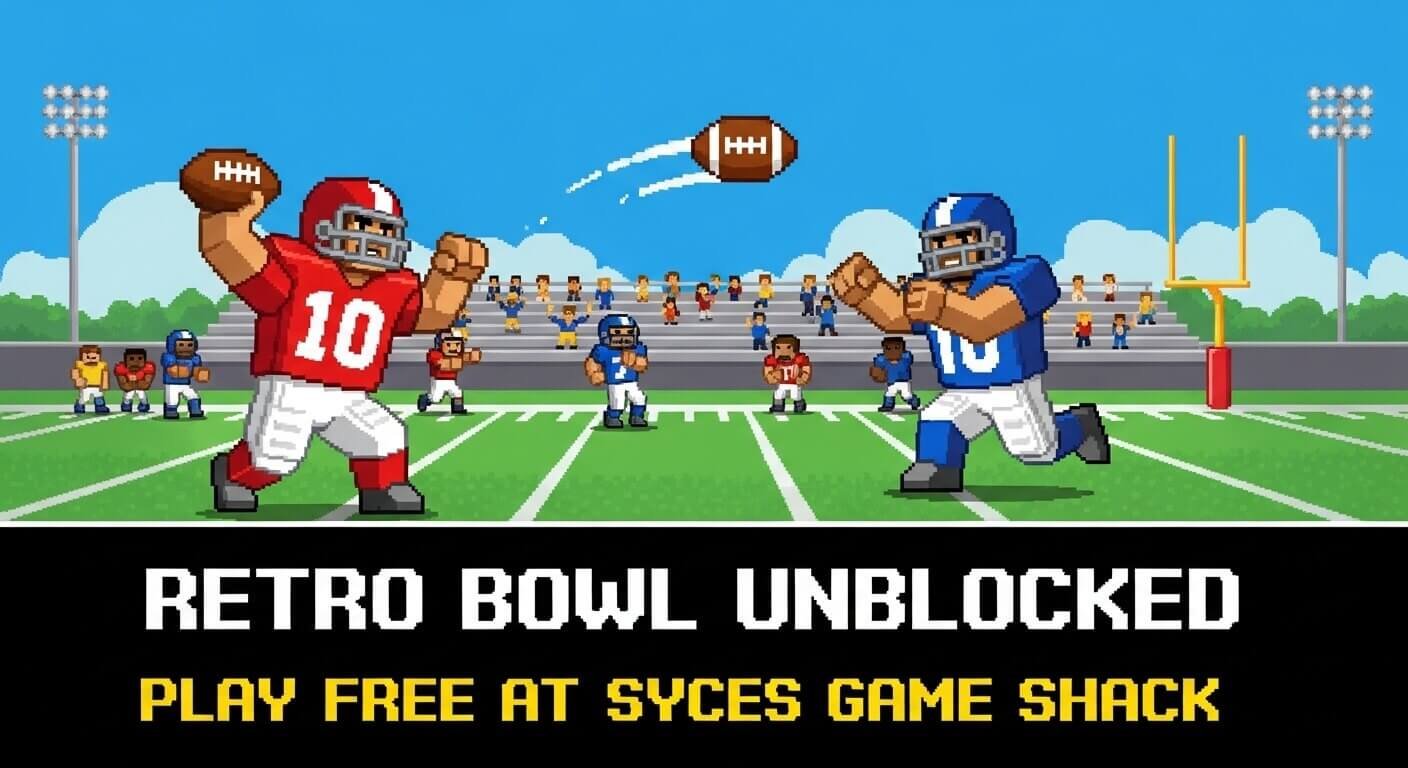
Quick Answer:
Retro Bowl Unblocked is a free browser football game you can play at school, no download or VPN needed. Play it instantly at sycegameshack.com on any Chromebook, PC, or phone.
What Is Retro Bowl Unblocked?
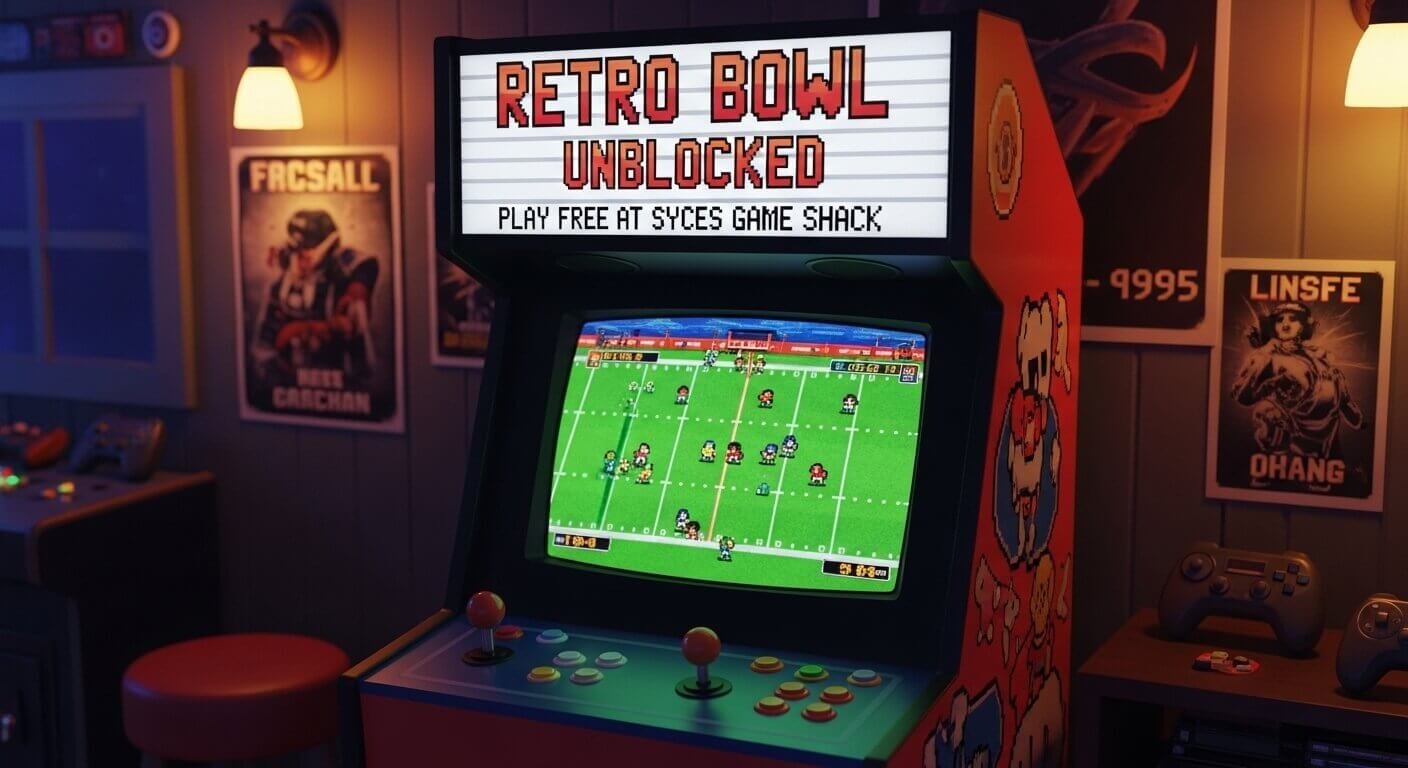
Retro Bowl is an 8-bit style American football management game where you control your own NFL-style team. You call plays, manage your roster, negotiate contracts, and lead your franchise to championships — all in a retro pixel aesthetic that’s surprisingly deep.
The “unblocked” version simply means it runs in a browser tab without needing downloads, installs, or bypassing school firewalls. At Syces Game Shack, Retro Bowl loads in under 5 seconds and works perfectly on school Chromebooks.
How to Play Retro Bowl at School
- Step 1: Open your school Chromebook or browser and go to sycegameshack.com
- Step 2: Navigate to the Sports section and click Retro Bowl
- Step 3: The game loads instantly — no sign-up, no account, no ads
- Step 4: Choose your team name, pick a logo, and jump straight into your first game
If your school has blocked the main link, Syces Game Shack provides 5+ backup links — making it nearly impossible to be completely blocked anywhere.
Retro Bowl Tips & Strategies That Actually Work
Master the Passing Game First
Retro Bowl’s offense revolves around passing. Tapping the screen (or clicking) throws to your receiver while the directional input controls where your QB scrambles. Here’s what actually works:
- Curl routes beat press coverage. When cornerbacks are up tight, throw curls behind the coverage.
- Fade routes in the red zone are almost automatic against bump-and-run coverage.
- Scramble with your QB when all receivers are covered — just don’t fumble!
Manage Your Roster Like a Real GM
The management side of Retro Bowl is just as important as the on-field action. Prioritize:
- Offensive linemen — They boost your QB’s performance across the board
- Wide receivers — More WRs = more passing options = easier touchdowns
- Morale management — Keep player morale above 50% or their stats drop hard
The Championship Strategy
Once you’ve unlocked all your coaching credits, max out your offensive line first, then your WR corps. A maxed-out offensive line makes every other position easier to play with.
Why Is Retro Bowl Blocked at School?
Most school networks use content filters that block gaming websites by category. Retro Bowl gets caught in these filters even though it’s not violent or inappropriate.
The fix is simple: Syces Game Shack uses multiple different domains and backup URLs. When one link is blocked, another works. You’ll always have access without needing a VPN.
Frequently Asked Questions
Is Retro Bowl Unblocked safe for school?
Yes. It’s a clean, family-friendly football game with no violence, no inappropriate content, and no ads on Syces Game Shack.
Does Retro Bowl work on a Chromebook?
Perfectly. It’s a browser game that runs on Chrome — the exact browser every Chromebook uses.
Can I save my Retro Bowl progress?
Yes, Retro Bowl saves your franchise automatically in your browser’s local storage. Just don’t clear your browser data, and your save stays intact.
Is the unblocked version different from the original Retro Bowl?
No — it’s the same complete game, just hosted on a platform your school hasn’t blocked yet.
Play Retro Bowl and 160+ other unblocked games for free at Syces Game Shack — no download, no ads, no account needed.