Quick Answer: Cupcake 2048 Unblocked is a free browser-based puzzle game that combines the mechanics of 2048 with sliding cupcake tiles. You can play it instantly at Syces Game Shack — no download, no account, and it works on any school Chromebook in under 5 seconds.
What Is Cupcake 2048 Unblocked?
Cupcake 2048 is a delicious twist on the classic 2048 puzzle game. Instead of plain numbered tiles, you slide and merge colorful cupcake illustrations — each merge level rewards you with a more elaborate, higher-tier cupcake. The goal stays the same as the original: merge identical tiles until you reach the highest cupcake tier on the board.
The “unblocked” version means it runs entirely in your browser without needing a download, VPN, or special permission from your school’s IT department. At Syces Game Shack, Cupcake 2048 loads in seconds and runs ad-free on every device — whether you’re on a school Chromebook, a Windows PC, a Mac, or your phone.
It’s one of the most-searched unblocked games of 2026 for good reason. It’s calming, genuinely challenging, and just visually satisfying enough to keep you coming back for one more round during free period.
How to Play Cupcake 2048 at School (Step-by-Step)
Getting into the game takes less than 30 seconds:
- Open Chrome on your Chromebook or any other browser on your device
- Go to sycegameshack.com
- Navigate to the Puzzle section and click Cupcake 2048
- Use your arrow keys — Up, Down, Left, Right — to slide all tiles in that direction
- When two matching cupcake tiles collide, they merge into the next-tier cupcake
- Keep merging until the board fills up or you reach the legendary top-tier cupcake
On mobile, swipe in any direction instead of using keys. The touchscreen controls are just as responsive. The game automatically saves your progress in your browser, so you can return to an ongoing game without losing your board state.
If your school network has blocked the main sycegameshack.com link, the site includes five backup URLs that work even on tightly filtered networks. You’ll find them listed on the homepage.
Cupcake 2048 vs Original 2048 — What’s Actually Different?
A lot of players wonder whether this is just 2048 with a skin slapped on top. It isn’t — and the differences matter for how you approach strategy.
The original 2048 uses numbers, which makes it easy to track your merge path mathematically. Cupcake 2048 replaces numbers with visual tiers, which shifts your brain into pattern recognition rather than calculation. Many players find this version significantly harder at first because you lose the instant reference of “64 + 64 = 128.” Instead, you’re building a mental map of which cupcake design equals which tier.
Once you lock in the tier sequence — plain cupcake, sprinkle cupcake, frosted cupcake, decorated cupcake, and so on up the chain — the visual format actually becomes faster to read at a glance than a grid of numbers.
The board size is identical (4×4), the sliding mechanics are identical, and the win condition is the same. But the brain load is different, and that changes which strategy works best.
Cupcake 2048 Strategy — How to Win Consistently
Most players lose Cupcake 2048 not because they make one catastrophic mistake but because they allow the board to become chaotic over dozens of small moves. Here is exactly how to prevent that.
Lock Your Highest Cupcake in One Corner
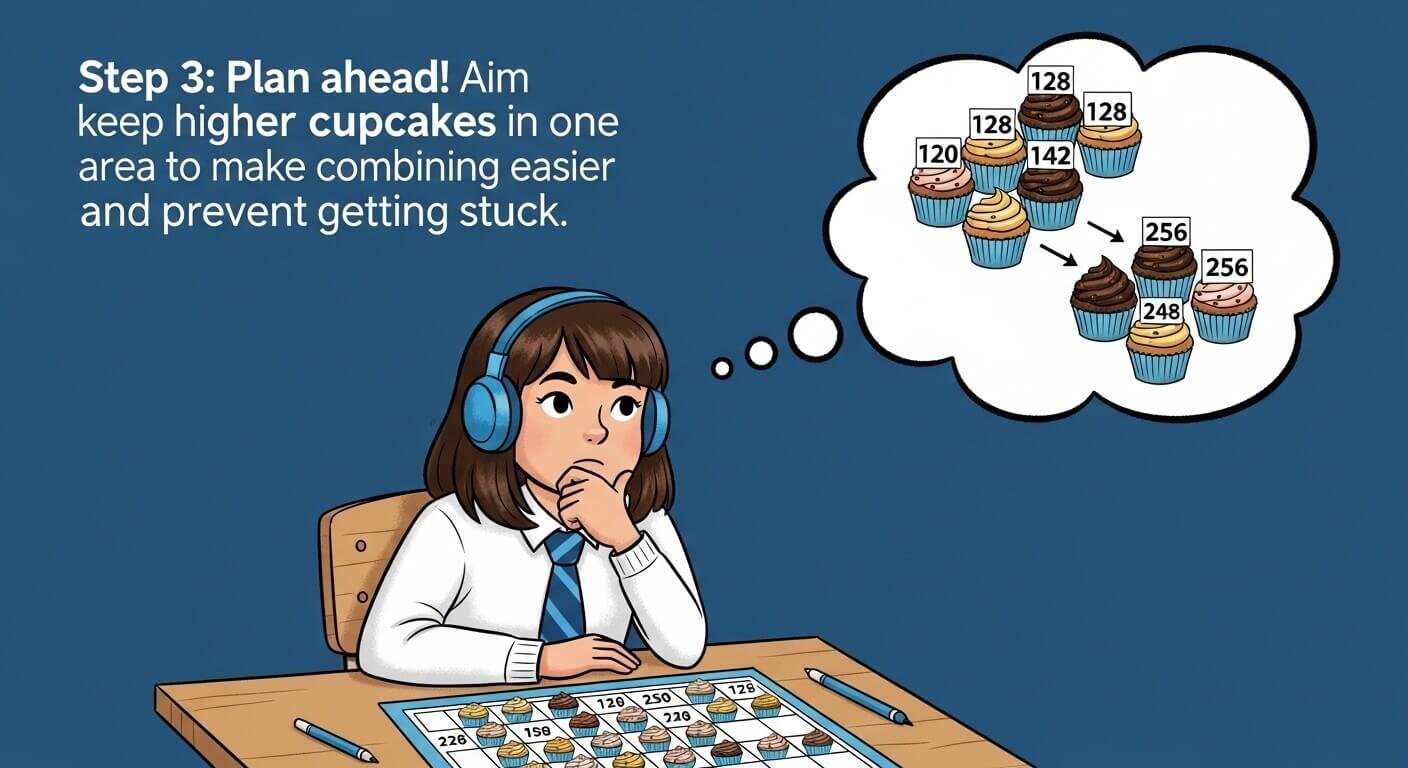
The single most effective Cupcake 2048 strategy is the corner lock. Pick one corner — bottom-left is the most natural for right-handed players — and never, ever move your highest-tier cupcake out of it. Every move you make should either maintain that cupcake in its corner or build toward merging the next-tier tile into it.
If your highest tile is in the bottom-left, you should primarily press Left and Down. This keeps your high-value tiles anchored while building chains of lower-tier cupcakes along the bottom row and left column.
Build a Snake Chain Along the Bottom Row
Once your highest tier is locked in the corner, fill the rest of the bottom row with descending tiers left-to-right. So your bottom row should ideally look like: Tier 8 — Tier 7 — Tier 6 — Tier 5. This is called a snake chain because you continue the pattern up into the next row: Tier 4 — Tier 3 — Tier 2 — Tier 1.
When you slide in the right direction, the entire chain collapses upward from lowest to highest — merging automatically like dominoes. This is the technique that high-score players use to reach the final tier without the board ever getting out of control.
Never Move Up If You Can Avoid It
Pressing Up is the riskiest move in the game. It dislodges tiles from the bottom row where your chain is anchored and introduces randomness into your organized structure. Save the Up key as a last resort — only when pressing Left, Right, or Down leaves you completely stuck with no possible merges.
Keep Two Columns Partially Clear
New tiles always spawn in empty squares after each move. If your board is 90% full with no empty squares available, you have almost no recovery room when a new tile spawns in an awkward position. Try to keep at least one or two columns with open squares so new tiles don’t instantly break your chain.
Cupcake Tier Reference Chart
Knowing the full tier progression makes the game dramatically easier because you stop second-guessing which cupcakes merge into what.
| Tier | Cupcake Style | Equivalent 2048 Value |
|---|---|---|
| 1 | Plain vanilla | 2 |
| 2 | Pink sprinkle | 4 |
| 3 | Chocolate frosted | 8 |
| 4 | Rainbow swirl | 16 |
| 5 | Double layer | 32 |
| 6 | Gold drizzle | 64 |
| 7 | Crown cupcake | 128 |
| 8 | Unicorn tier | 256 |
| 9 | Galaxy cupcake | 512 |
| 10 | Diamond frosted | 1024 |
| 11 | Legendary | 2048 (win!) |
Memorize the top four tiers. Those are the ones you’re actively working toward in every game, and recognizing them instantly eliminates hesitation on your most important moves.
Why Cupcake 2048 Works So Well on a School Chromebook
Chromebooks have specific limitations that make most gaming sites frustrating — slow load times, WebGL compatibility issues, limited storage, and aggressive content filters. Cupcake 2048 sidesteps every one of these problems because it is a pure HTML5 tile game.
It uses no WebGL rendering, no Flash, no installed plugins, and no persistent data storage beyond a simple browser cookie for your current game. The entire game loads in a single lightweight web request. On a typical school Chromebook with shared Wi-Fi, it loads in under three seconds and runs at a smooth frame rate even with 15 other tabs open.
At Syces Game Shack, Cupcake 2048 is served without any ad networks, tracking scripts, or heavy third-party resources. This means the page is genuinely lightweight — unlike most free gaming sites, where ads alone double the load time and drain the Chromebook’s battery.
Games Like Cupcake 2048 — What to Play Next
If you love Cupcake 2048, the following games on Syces Game Shack share the same satisfying merge-and-think formula:
- Slope Unblocked — pure reflex, different flavor, same addictive single-session format
- 2048 Classic — the original numbered version, if you prefer calculation over visual recognition
- Lol Bean — completely different genre but the same “one more round” energy
- Retro Bowl Unblocked — strategic thinking applied to football rather than tiles
Each of these games is free, ad-free, and unblocked on the Syces Game Shack platform — no account, no download, ready in seconds on any device.
Frequently Asked Questions
Is Cupcake 2048 the same as regular 2048?
The mechanics are identical — you slide tiles on a 4×4 grid and merge matching ones. The difference is that Cupcake 2048 replaces numbers with visual cupcake tiers. This makes the game more visually engaging but requires you to learn the tier order rather than doing math.
Can I play Cupcake 2048 on a phone?
Yes. The game supports swipe controls on any touchscreen device. Open sycegameshack.com in Safari on iPhone or Chrome on Android and swipe to play. No app download required.
Does Cupcake 2048 save my progress?
Yes. Your current board is saved in your browser’s local storage. If you close the tab and come back later, your game will still be there — as long as you haven’t cleared your browser data.
Is Cupcake 2048 unblocked at school?
On most school networks, yes. It runs on the Syces Game Shack domain, which uses multiple backup links specifically so the game stays accessible even when one URL gets added to a school content filter.
What is the highest tile you can reach in Cupcake 2048?
The win tile is the Legendary cupcake (equivalent to 2048). Some versions extend beyond this, allowing you to keep playing toward even higher tiers after winning.
Play Cupcake 2048 Free at Syces Game Shack
Cupcake 2048 Unblocked is available right now at sycegameshack.com — completely free, zero ads, zero downloads, and zero sign-up required. Works on every school Chromebook, PC, Mac, and phone.
The site has 160+ other free unblocked games in the same library, all running under the same conditions. If you get stuck, the community Discord has players sharing strategies and new working links the moment they go live.
Play Cupcake 2048 and 160+ free unblocked games at Syces Game Shack — no account, no ads, no limits.