Introduction
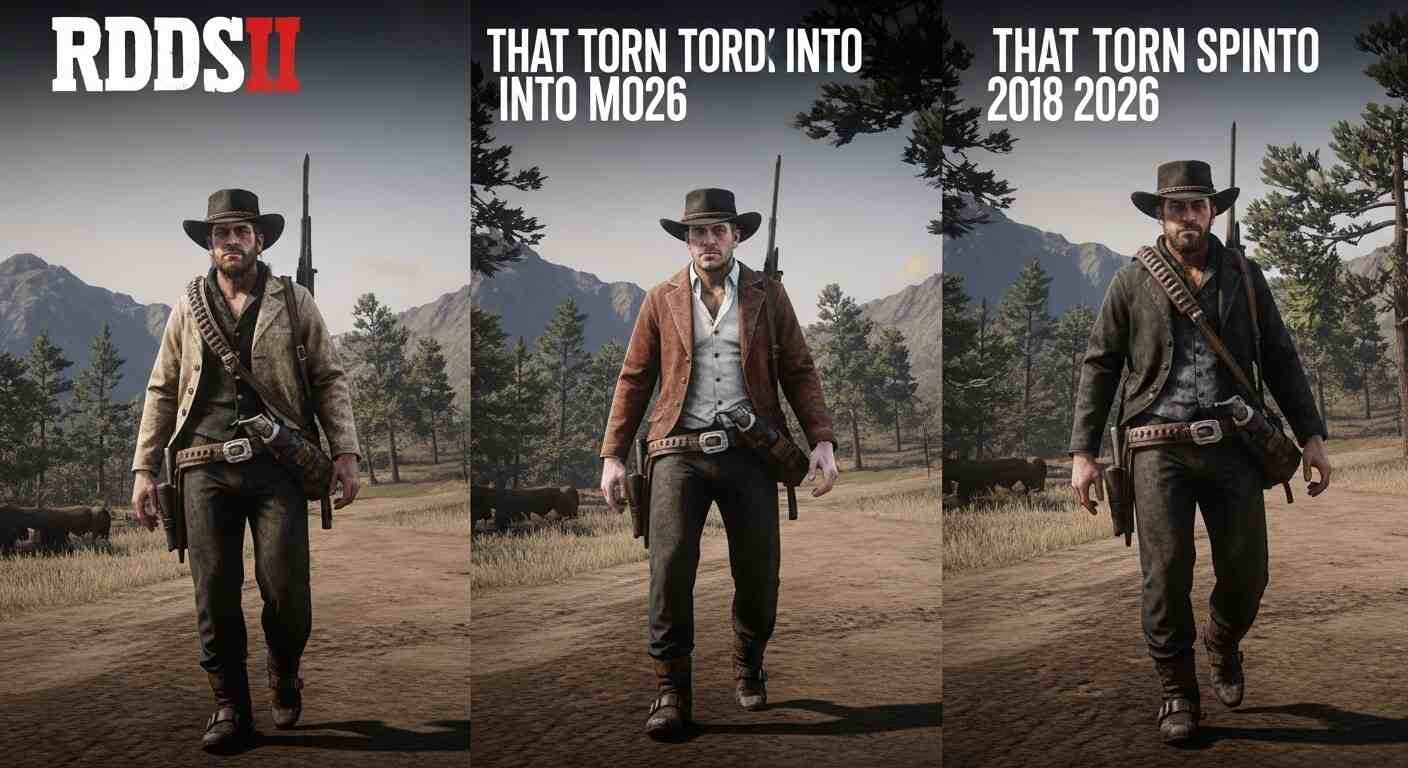
Red Dead Redemption 2 launched in 2018 and still looks better than most games released today. But the PC modding community took something already stunning and rebuilt it into something that genuinely has no equal in open-world gaming.
One fan curator going by INTER compiled over 70 must-download RDR2 mods covering graphic upgrades, upscaled textures, quality-of-life updates, enhanced physics, and more — promising the best gameplay experience possible and enough content to keep players busy well through 2026.
This guide cuts through the noise. You will find the best RDR2 mods by category — graphics, gameplay, clothing, horse, gun, and performance — plus a clear installation guide that actually works, and honest answers on what to do when mods break.
No outdated instructions. No broken download links. Just what works right now.
Why People Are Still Modding RDR2 in 2026
Most games fade after two or three years. RDR2 keeps growing.
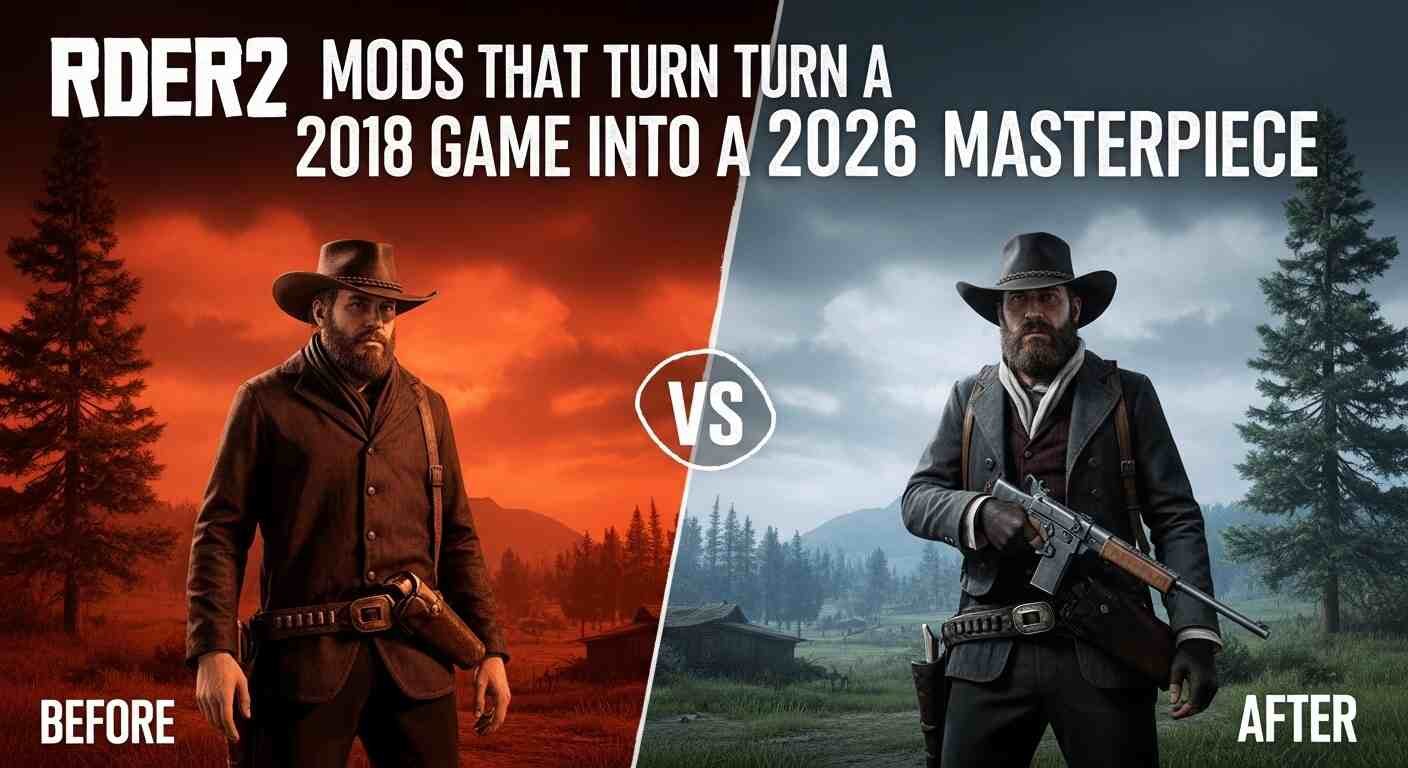
Because of its rich modding community, RDR2 remains an ever-growing game with new players downloading and playing it years after its original release. The base game already has some of the most detailed environments, weather systems, and character animations ever built. Mods do not fix a broken game — they expand a masterpiece.
The best RDR2 mods typically fall into four categories: graphics, realism, quality of life, and pure fun. What makes these categories stand out is how completely they change the way the game feels — from reshaping landscapes with advanced visuals to adding full survival mechanics.
The result is a game that plays differently depending on what you install. One player runs a photorealistic western with survival hunger and dynamic seasons. Another runs a chaos sandbox with physics overhauls and duels against every NPC in the world. Both are playing RDR2.
Best RDR2 Graphics Mods — For Every PC Spec
Graphics mods are where most players start, and the options in 2026 are genuinely remarkable — even for mid-range hardware.
VESTIGIA 2.0 — Best Overall Graphics Mod
VESTIGIA 2.0 earned the top spot among RDR2 visual modifications because it delivers exactly what it promises without the headaches that plague other major graphics mods. Most bug reports are marked “Not a bug” and installation simply requires dragging files into your LML folder.
It enhances color grading, shadow depth, and environmental lighting without pushing your GPU into crisis. If you only install one graphics mod, make it this one.
Visual Redemption (VisualR) — Best Full Overhaul
Visual Redemption was created by Razed Mods — the proven team behind GTA 5’s legendary NaturalVision Evolved mod. The same professional-level attention to detail that made their GTA work famous throughout the modding community transfers directly to their RDR2 work. Visual Redemption enhances the game without breaking what already works perfectly. This is the mod for players who want a complete transformation, not just a filter on top.
RDR2 2025 Enhanced Edition — Best for Performance Gains
This mod offers tremendous graphical improvement while also improving performance — enhancing lighting, colors, shadows, textures, and particle effects to deliver photorealistic visuals while remaining playable even on a GTX 1060 6GB at 1080p.
The “better graphics AND better FPS” combination is rare. This mod achieves it through smart optimization rather than brute force rendering.
Photorealistic Reshade — Best Cinematic Feel
The RDR2 Photorealistic Reshade mod gives the game a noticeable quality boost that makes it feel more like a movie than a video game. It subtly makes the world more realistic without going overboard.
Install this alongside VESTIGIA 2.0 for the deepest visual upgrade without compatibility issues.
Dynamic Seasons — Best Environmental Mod
The Dynamic Seasons mod by Bolmin70 adds all four seasons to the game. Each season has its own custom color palette, sunrise and sunset times, and much more. By default each season lasts 10 real-world hours, which can be adjusted in the ini file. Winter covers large regions of the map in snow, changing the feel of the game dramatically.
Experiencing a blizzard in the Grizzlies or watching autumn hit Lemoyne for the first time makes the world feel alive in a way the base game never achieved.
Best RDR2 Gameplay & Immersion Mods
Better graphics draw you in. Better gameplay keeps you there. These are the mods that change how RDR2 actually feels to play.
Survival Systems Mod — Hunger, Thirst & Exhaustion
This mod adds thirst, hunger, urination, exhaustion, and equipment weight mechanics along with loads of new features — turning the frontier from a backdrop into an actual survival environment.
Suddenly every town stop matters. Food management becomes part of the journey. It adds stakes to exploration that the base game hints at but never fully delivers.
Immersive Scenarios — Arthur Belongs in the World
Immersive Scenarios adds the little everyday things other characters can do playing an instrument, leaning against a wall — but that Arthur usually cannot. It is perfect for photo mode or for making it feel like Arthur belongs in the world instead of being a passive observer. Bear in mind the mod only works if an NPC is not already performing that action.
Small change. Enormous impact on immersion.
Bounty Hunting Expansion — Endless Side Content
This mod expands and enhances the bounty hunting side activity with endless missions available to play and random encounters integrated into the world. If you finished the game and miss having a reason to ride across the map, this mod manufactures that reason continuously.
Dog Companion Mod — Because Every Cowboy Needs One
A cowboy without a horse is not a cowboy — but this mod gives you a personal dog companion to ride alongside Arthur throughout the frontier.
It sounds like a novelty. After an hour with the companion following you through the wilderness, it feels essential.
Dramatic Ragdoll Overhaul (D.R.O.) — Physics That React Like a Real Western
D.R.O. aims to overhaul the game’s physics to recreate RDR 1’s physics style from the ground up with new additions to enhance combat gameplay — bringing a true spaghetti western feel to every gunfight.
Best RDR2 Clothing, Outfit & Horse Mods
WhyEm’s DLC — 2,000+ New Cosmetics
WhyEm’s DLC adds more than 2,000 new cosmetics including beard styles and hairdos for Arthur at the barber shop, new clothes from the trapper, more saddles, and even carvings and grips you can collect and customize at any gun store. It even lets you customize how clothing looks, with options to remove suspenders, belts, and holsters, and separate menus for other accessories. One important caveat: WhyEm’s DLC requires Arthur to have every main item equipped including a satchel when you install the mod, or it will not work. Read the installation notes carefully before diving in.
Improved Player Customization — Fix Clipping Issues
This mod improves the player customization experience by adding variety to the wardrobe and reducing clipping on a lot of clothing items, while also improving John Marston’s appearance by restoring most of his beta assets and porting over his Chapter 1–6 outfits.
Horse Speed Unlocked — Remove the Artificial Cap
One of the mods in the INTER collection removes speed limits on your horse, letting the animal run at realistic full speed rather than the capped pace Rockstar imposed for map navigation reasons.
Realistic Gun Metals — Weapon Detail Upgrade
This mod reworks all gun metals to look as realistic as possible a small visual change that makes every weapon inspection feel more satisfying and authentic.
Key takeaway: WhyEm’s DLC alone adds more clothing content than most full game DLC packs — just follow the installation requirements precisely.
How to Install RDR2 Mods Safely — Step by Step
This is where most guides lose players. Follow this exact order and you avoid 90% of common problems.
⚠️ Important first: Before installing mods in RDR2, back up your game files to avoid possible corruption. Copy your entire RDR2 game folder to a separate location. If you run Steam, your folder is at C:\Profile Files\Steam\steamapps\common. For Epic Games: C:\Program Files\Epic Games. For Rockstar: C:\Program Files\Rockstar Games.
Step 1 — Install Script Hook RDR2
Script Hook in RDR2 is a library that allows native script functions inside custom .asi plugins. Download it from Alexander Blade’s official page, extract the files, and copy all files from the bin folder to your game directory.
Step 2 — Install Lenny’s Mod Loader (LML)
Copy all files from the ModLoader folder into your RDR2 game root folder so that files such as vfs.asi are in the same folder as your RDR2.exe. The Mod Manager folder can be anywhere and does not need to be inside the game folder. New mods go into the lml folder.
Step 3 — Download Mods from Trusted Sources Only
Download exclusively from reputable sources such as Nexus Mods, ModDB, or RDR2Mods.com. Always back up original files before installing anything and regularly update mods to maintain compatibility with new game patches.
Step 4 — Install One Mod at a Time
Test each mod separately — activate one by one to ensure there are no compatibility problems. This careful method allows players to track issues quickly and keep their setup clean.
Step 5 — Never Use Mods in Online Mode
Script Hook does not work in multiplayer and will forcefully close the game if the player attempts to launch multiplayer. Keep mods strictly for Story Mode. Using mods online risks a permanent ban.
RDR2 Mods on PS4, PS5, Xbox, and Steam Deck
This is the section most articles skip entirely — and it causes enormous frustration for console players.
PS4 and PS5: True RDR2 mods as PC players know them do not exist on PS4 or PS5. Sony’s console ecosystem does not support external mod loading for RDR2. There is no legitimate workaround. If you search for RDR2 mods PS4 or RDR2 mods PS5, you will find videos promising results — most lead to scams or jailbreak risks. The honest answer is: console players cannot mod RDR2 the way PC players can.
Xbox: The same applies to Xbox. RDR2 mods Xbox searches consistently disappoint for the same reason — the closed console environment blocks the mod loader tools that PC modding depends on.
Steam Deck: This is where it gets interesting. There is a community guide specifically covering how to get Script Hook working on RDR2 on Steam Deck, as the process differs from standard Windows installation.It requires Proton configuration adjustments and some patience, but the RDR2 Steam Deck modding community is active and the best graphics and gameplay mods do run successfully.
Steam PC: RDR2 mods Steam simply means modding the Steam version of the game on PC. If running through Steam, your game folder is at C:\Profile Files\Steam\steamapps\common — and modding works identically to any other PC version.
Why Your RDR2 Mods Are Not Working — Common Fixes
RDR2 mods not working is one of the most searched queries in the entire modding community. Here are the real causes and fixes.
Problem 1: Black screen after loading This usually means a Script Hook version mismatch with your game version. The black screen bug can be fixed by going into ScriptHookConfig.ini and disabling the interface and overlay. Also run RDR2 with administrator privileges — right-click both LauncherPatcher.exe and RDR2.exe, go to Properties, Compatibility tab, and check “Run as administrator.”
Problem 2: LML not detecting mods When launching Lenny’s Mod Loader, go to the Settings tab first and confirm the Game Folder path leads to your actual RDR2 directory — LML will not work even if installed correctly if this path is wrong.
Problem 3: Game crashes after installing multiple mods Two mods editing the same file causes crashes. Conflicts happen when two or more mods edit the same files or assets. The solution is merging incompatible mods so they become compatible — or identifying which mod causes the conflict by disabling them one at a time.
Problem 4: RDR2 mods website broken or download errors NexusMods occasionally experiences server issues. If the RDR2 mods download fails, wait and retry — or use RDR2Mods.com as an alternative source for the same files.
Problem 5: Mod worked before, now crashes after a game update Rockstar updates frequently break Script Hook compatibility. Check Alexander Blade’s Script Hook page after every major RDR2 update — an updated Script Hook version usually follows within days.
The Ultimate RDR2 Mod Stack for 2026
Here is a recommended install order for a complete experience:
| Priority | Mod | Category |
|---|---|---|
| 1 | Script Hook RDR2 | Required foundation |
| 2 | Lenny’s Mod Loader | Required foundation |
| 3 | VESTIGIA 2.0 | Graphics |
| 4 | Visual Redemption | Graphics overhaul |
| 5 | Dynamic Seasons | Environment |
| 6 | Survival Systems | Gameplay |
| 7 | Immersive Scenarios | Immersion |
| 8 | Bounty Hunting Expansion | Content |
| 9 | WhyEm’s DLC | Clothing/outfits |
| 10 | Dog Companion | Fun/immersion |
| 11 | Dramatic Ragdoll Overhaul | Physics/combat |
| 12 | Photorealistic Reshade | Visual finish |
Install in this order. Test after every 2–3 additions. Do not install all 12 at once.
Key Takeaways
- The best RDR2 graphics mods in 2026 are VESTIGIA 2.0, Visual Redemption, and the Enhanced Edition performance mod — all available free on NexusMods
- Always install Script Hook RDR2 and Lenny’s Mod Loader before any other mod — skipping this step causes every common crash
- RDR2 mods PS4, PS5, and Xbox do not exist in any meaningful form — full modding is PC-only, with Steam Deck support possible through extra configuration
- When RDR2 mods are not working, check Script Hook version compatibility and your LML game folder path first
- The combination of survival mechanics, dynamic seasons, and physics overhaul creates a genuinely different game from the base experience
- Even installing half of a well-curated modlist will make RDR2 feel like an entirely new game
Conclusion
RDR2 in 2026 with a well-built mod setup is not the same game that shipped in 2018. The graphics hit photorealistic levels on modest hardware. The world responds to seasons, survival needs, and physics in ways the base game only gestured toward. Arthur feels like he belongs in the frontier rather than moving through it.
Three things to remember: install Script Hook and Lenny’s Mod Loader first before touching anything else, console modding is effectively impossible so focus your effort on PC, and when something breaks — it is almost always Script Hook version mismatch or an LML path error.
Start with VESTIGIA 2.0 and Survival Systems. Get those running cleanly. Then build from there.
FAQs
Q: Can you mod RDR2 on PS4 or PS5?
A: No. Genuine RDR2 mods as PC players use them are not available on PS4 or PS5. Sony’s console environment does not support the mod loaders that RDR2 modding requires. Any site or video claiming otherwise is either misleading or promoting jailbreak risks.
Q: How do you install RDR2 mods on PC?
A: Start by backing up your game files, then install Script Hook RDR2 from Alexander Blade’s official page and Lenny’s Mod Loader from RDR2Mods.com. Copy Script Hook files to your RDR2 root folder, place Lenny’s Mod Loader files in the same location, then add individual mods to your lml folder one at a time.
Q: Why are my RDR2 mods not working?
A: The two most common causes are a Script Hook version that does not match your current game version, and an incorrect game folder path in Lenny’s Mod Loader settings. After any Rockstar update, check for an updated Script Hook release before launching modded. Run RDR2 as administrator if you get a black screen.
Q: Do RDR2 mods work on Steam?
A: Yes. The Steam version of RDR2 supports the same mods as any other PC version. Your game folder will be at C:\Program Files\Steam\steamapps\common\Red Dead Redemption 2 — use this path when configuring Lenny’s Mod Loader.
Q: What are the best free RDR2 graphics mods?
A: VESTIGIA 2.0, Visual Redemption by Razed Mods, the RDR2 2025 Enhanced Edition performance mod, and the Photorealistic Reshade preset are all free downloads from NexusMods. VESTIGIA 2.0 is the most stable starting point for most PC configurations.
Q: Can you use RDR2 mods on Steam Deck?
A: Yes, with extra steps. Script Hook requires specific Proton configuration on Steam Deck. The modding community forum at moddingcommunity.com has an active Steam Deck guide that covers the setup process in detail.
Q: What is the best RDR2 mod menu or trainer?
A: The Rampage Trainer is the most widely used RDR2 mod menu for Story Mode. It provides extensive single-player options including spawning, weather control, and character customization. Never use any mod menu or trainer in RDR2 Online — it will result in a ban.
Q: Are RDR2 mods safe to download?
A: Mods from NexusMods, RDR2Mods.com, and ModDB are generally safe. Always back up your game files before installing anything, download only from these trusted sources, and never install mods that require disabling antivirus software — that is a consistent sign of malicious files.